Best cash isa rates for over 60s in 2025
- Nyheter
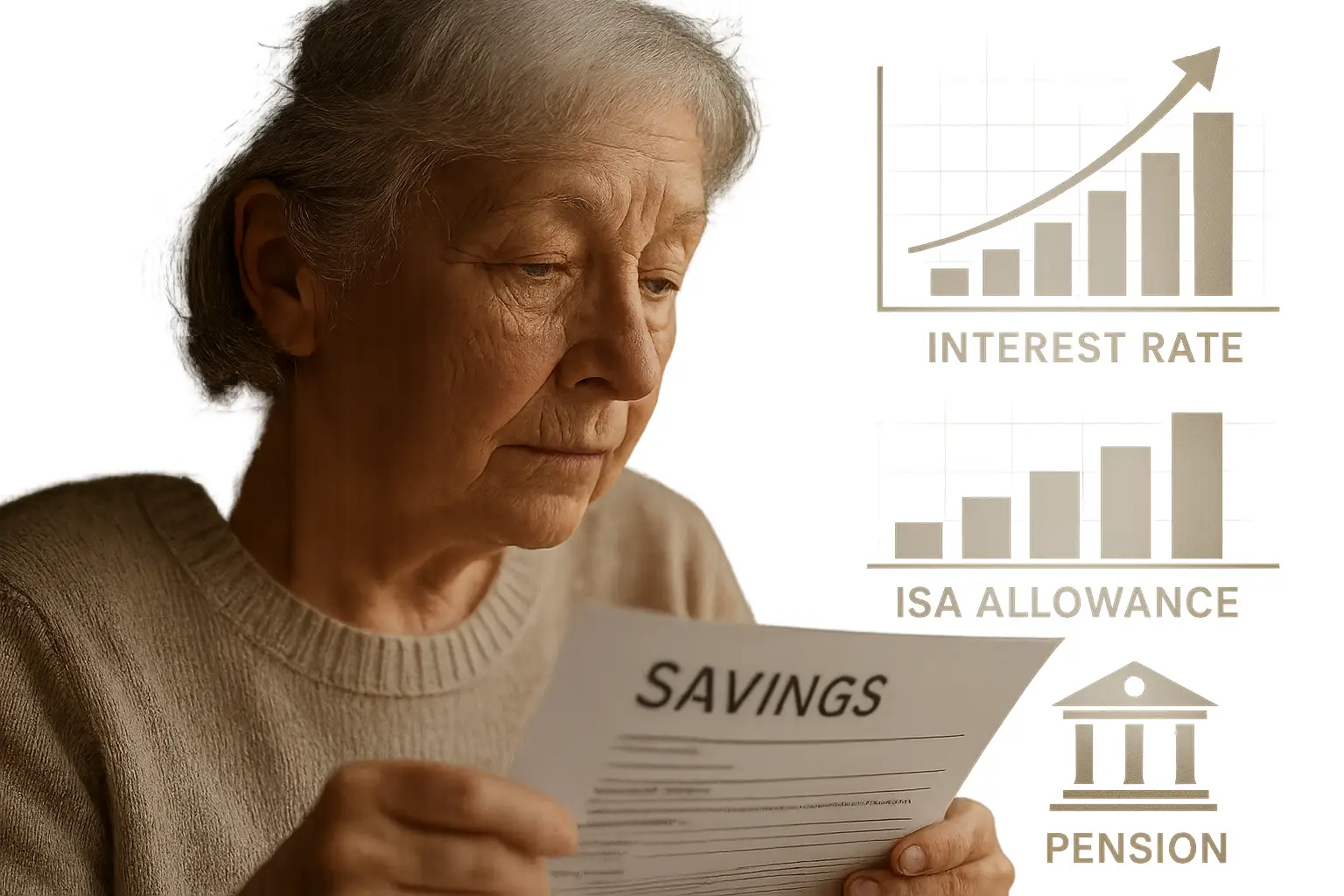
Discover the best cash ISA rates for over 60s in 2025: up to 4.51% AER on easy access and 4.27% fixed options. Tax-free savings with no age limits—maximise retirement income…


The best choice depends mainly on how often you print, whether you need colour and whether scanning or copying matters. This shortlist compares three researched options for different home-printing needs.
| Printer | Best for | Key features | Running-cost picture |
|---|---|---|---|
| Epson EcoTank ET-4950 | All-round home office use | Print, scan, copy and fax; automatic duplex scanning; 250-sheet capacity | Bottled ink costs 95% less than cartridge ink in TechRadar’s comparison |
| Epson EcoTank ET-2851 | Low-cost colour printing | Print, scan and copy; Wi-Fi, Wi-Fi Direct and USB | Approximately 0.4p per mono A4 page and 1p per colour A4 page |
| HP DeskJet 2810e | Light, occasional use | Print, scan and copy; Wi-Fi; three months of Instant Ink included | Cartridge ink costs more per page than EcoTank alternatives |
Running-cost figures are estimates and vary with page coverage, ink usage and cleaning cycles. Which? says tank inkjets generally cost less to run than cartridge inkjets, while automatic cleaning can consume significant quantities of ink, particularly on cartridge models.
The Epson EcoTank ET-2851 has the clearest low-cost colour figures in this shortlist. TopFive.page estimates approximately 0.4p for an A4 mono page and 1p for an A4 colour page. It prints, scans and copies, supports Wi-Fi, Wi-Fi Direct and USB, and includes up to three years of ink in the box. (TopFive.page)
The Epson EcoTank ET-4950 is the stronger choice when you need more capacity and more functions. TechRadar describes it as a four-in-one printer with print, scan, copy and fax, and reports that bottled ink costs 95% less than cartridge ink in its comparison. It prints at up to 18 pages per minute in mono and holds 250 sheets of paper. (TechRadar)
Both are refillable ink-tank printers. Instead of replacing a small cartridge, you refill reservoirs with bottled ink, which can reduce the cost of regular colour printing over the printer’s working life. Standard cartridge printers can cost 10p or more per colour A4 page, although the exact figure varies by cartridge and page yield. (TopFive.page)
The HP DeskJet 2810e is the most suitable of these three for light, occasional printing. TopFive.page lists it as a Wi-Fi all-in-one printer for printing, scanning and copying, with three months of Instant Ink included. HP positions the DeskJet range for light and occasional printing. (HP)
Its trade-off is speed and ongoing ink cost. TopFive.page describes it as printing at approximately 5.5 pages per minute in colour and says its cartridge ink costs more per page than EcoTank alternatives. That makes it better suited to infrequent documents than regular, high-volume colour printing.
Cartridge printers left unused for weeks or months can develop dried print heads and blocked nozzles, according to TopFive.page. If your printing is occasional, keeping the printer maintained and considering expected ink use is more important than choosing on purchase price alone.
The Epson EcoTank ET-4950 is the most capable printer-and-scanner option here. It combines printing, scanning, copying and faxing with automatic duplex scanning, so it can scan both sides of a document automatically. Its 250-sheet capacity also suits a busy home office better than a basic compact printer.
The Epson EcoTank ET-2851 is the simpler alternative if you need print, scan and copy but do not need faxing or the ET-4950’s larger paper capacity. Its connections include Wi-Fi, Wi-Fi Direct and USB, giving you several ways to send documents to the printer.
For regular paperwork, automatic duplex scanning can save time on multi-page documents. For occasional scanning, the ET-2851 provides the core print, scan and copy functions without the ET-4950’s additional faxing and paper-handling features.
The Epson EcoTank ET-4950 is the strongest fit for a small home office among these recommendations. It has a 250-sheet tray, mono print speeds of up to 18 pages per minute and the ability to print, scan, copy and fax. TechRadar also highlights its user-friendly design and up to three years of ink in the box.
For a small business producing invoices, forms and correspondence alongside colour documents, its combination of paper capacity, scanning and low bottled-ink costs is more relevant than a basic home printer with fewer functions.
Choose the printer type according to your workload:
Which? tests printer running costs by weighing cartridges before and after testing rather than relying only on manufacturers’ page-yield claims. That is useful context when comparing a low-cost cartridge printer with a refillable tank: the purchase price is only one part of the ownership cost.
The Epson EcoTank ET-4950 is the strongest all-round choice in this shortlist. It prints, scans, copies and faxes, supports automatic duplex scanning, holds 250 sheets and has low bottled-ink running costs. Choose the Epson EcoTank ET-2851 if print, scan and copy are enough and you want the clearest low-cost colour figures.
The three strongest value picks here are the Epson EcoTank ET-4950 for feature-rich home-office use, the Epson EcoTank ET-2851 for low-cost colour printing and the HP DeskJet 2810e for light, occasional printing. The suitable model depends on your printing volume, colour requirements and need for scanning or copying.
The HP DeskJet 2810e is the best match among these models for occasional home printing. It is an all-in-one printer for printing, scanning and copying, includes Wi-Fi and is intended for light and occasional use. Its cartridge ink costs more per page than EcoTank alternatives, so it is less suitable for regular colour printing.